






What Our Customs Are Saying
120+Countries
7M+Satisfied Users
1.4M+Subscribers
21M+Downloads
 Mos Rahim
 I've read a lot of mixed reviews from various sites and Android authorities about the big UC, and the one undeniable fact is that it just can't be topped when it comes to download speeds. This is the Bugatti of browsers; it's big, load, flashy, and ridiculously fast. A simple user interface, yet modern enough to keep up so far. I keep a couple of browsers handy on my phone, but the UC is the one that goes so well with those 5G download speeds.
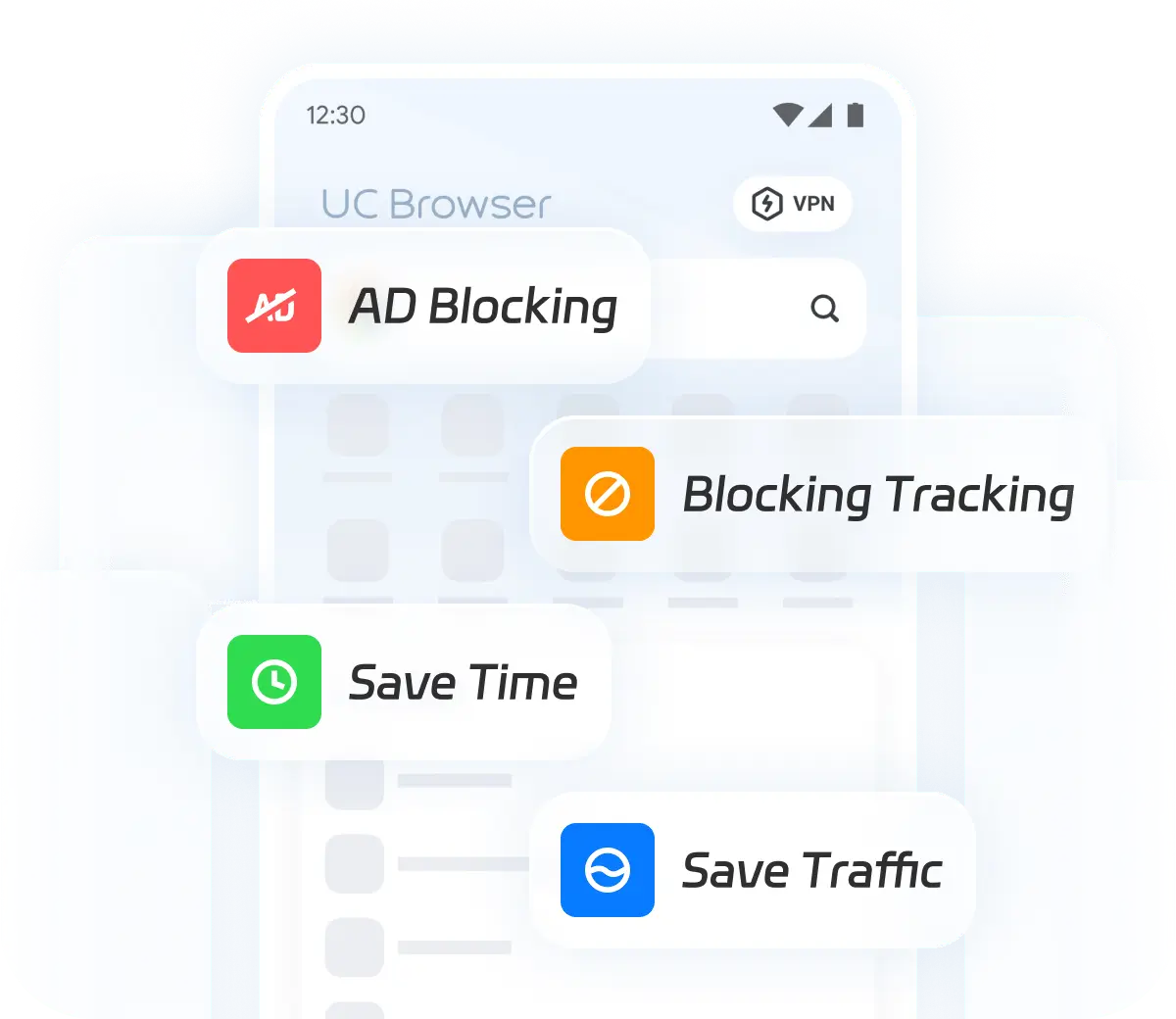
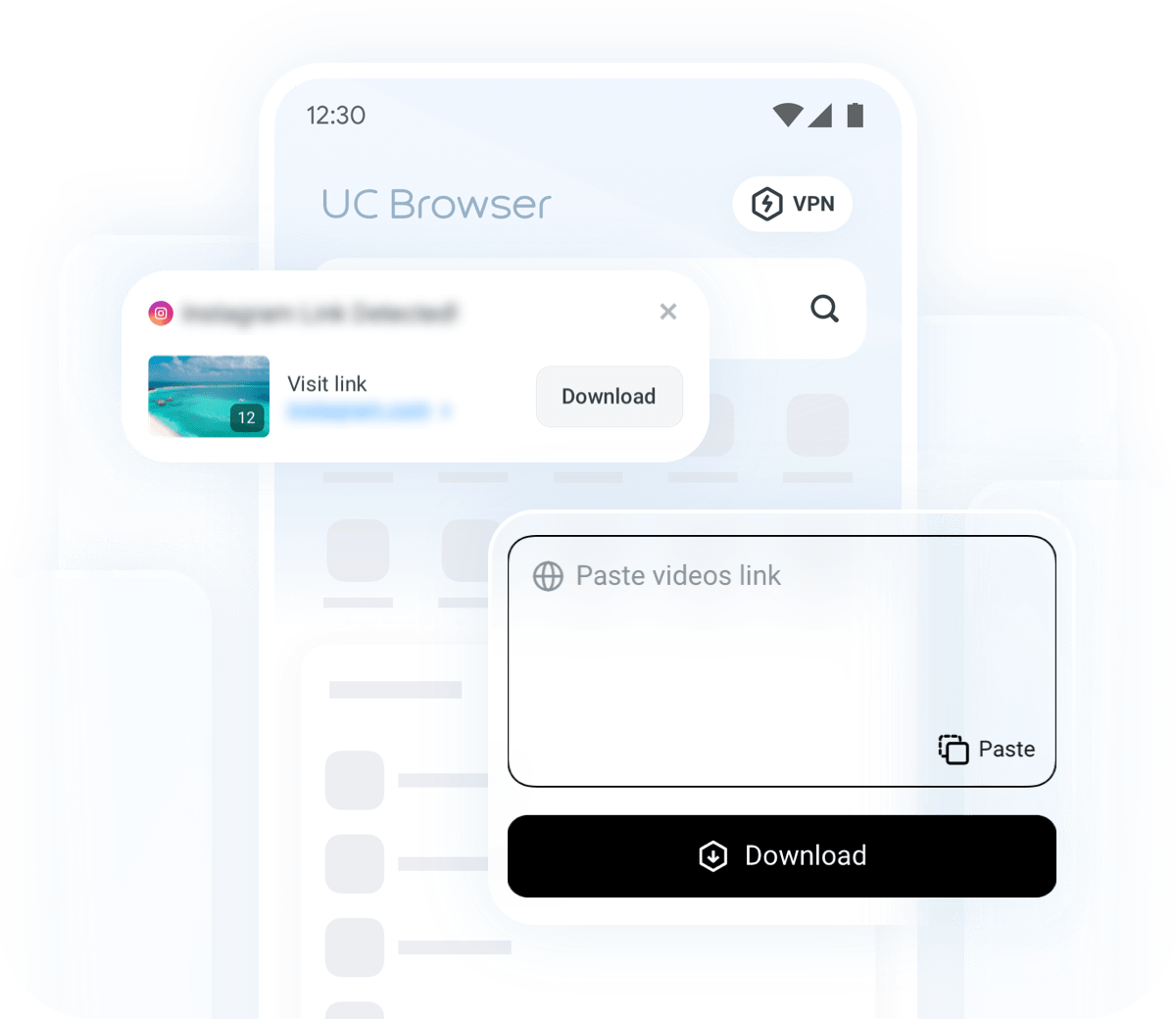
 A Google userI've been using UC Browser for a while now, and I'm really impressed with its performance. The browsing speed is incredibly fast, and the ad-blocking feature makes for a much cleaner experience. I also love the built-in video downloader, which works seamlessly for both social media and websites. It's definitely my go-to browser for both daily use and streaming.
 James ReganBeen using this browser since 2015, andi it's always been my favorite, for some reason it just feels faster at everything than any other browser, and I try them all. the "tools" option is amazing also, which so many other browsers have copied, the speed mode is nice, the pop-up blocker is amazing. this is just an all around unique browsing experience and I recommend UC Browser over any other.
 A Google userI'm doing my CM Security cleaning thing when I get a pop up for a companion product dubbed: UC Browser. I'm definitely game so I download it and use it directly with FaceBook. I'm just LOVING how it processes URLs and links like a hot knife through butter. I wholeheartedly recommend this browser alternative. Its a step UP and then some.
 A Google userRecently I've been getting pop-ups on every site I visit. All spam. It's a shame but I'm going to have to use another browser. So the search begins... I've used probably a dozen different browsers, and this one is my favorite, hands-down.
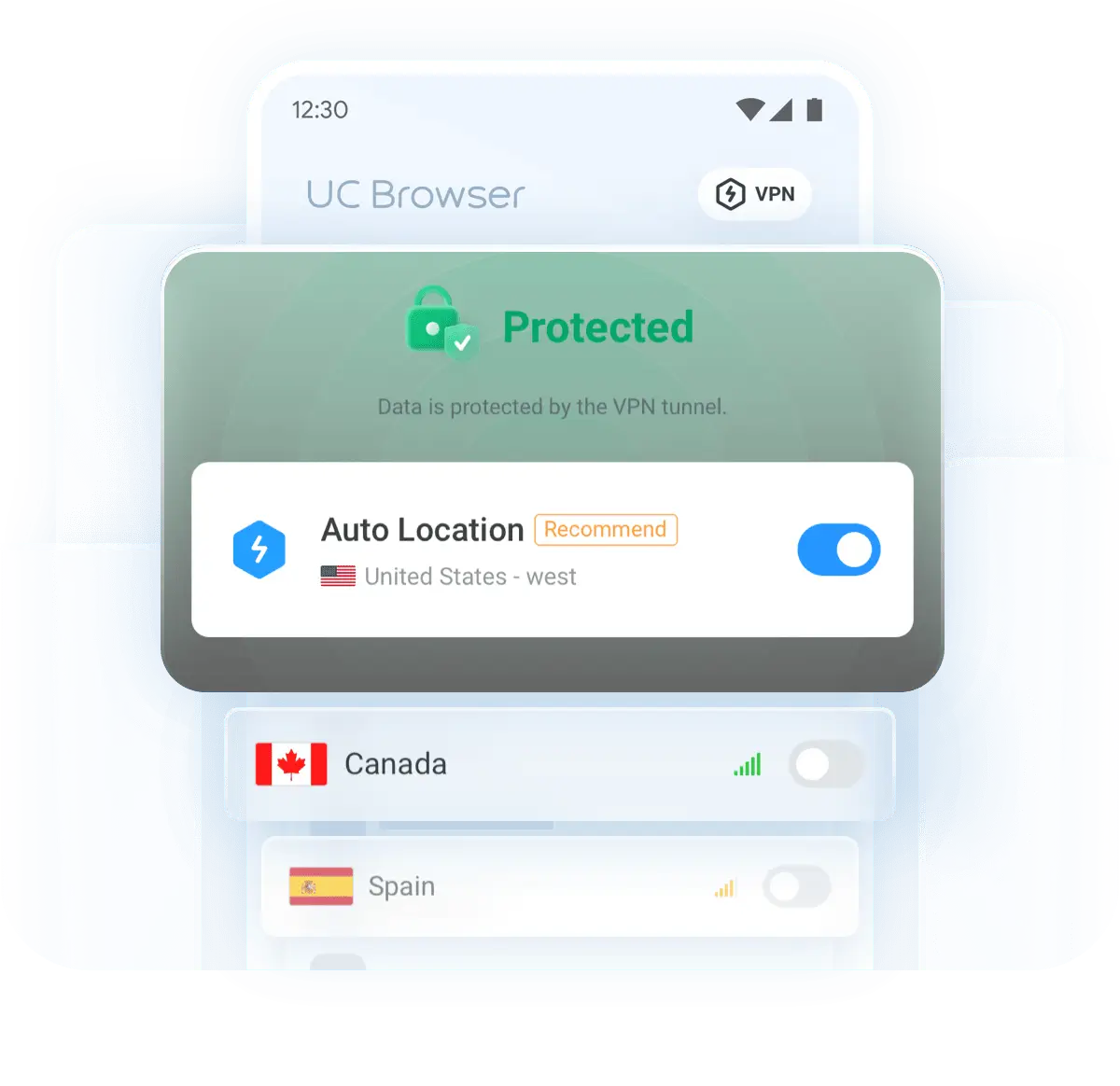
 A Google userI've been using UC Browser’s VPN for a while now, and honestly, it’s been great! The speed boost is definitely noticeable, especially when streaming videos. I can access content smoothly without interruptions, and browsing feels way more secure. It’s really improved my overall experience.
 Jabir AliI have been using UC Browser on my phone for several months now, and overall, I am quite satisfied with its performance. The interface is user-friendly and easy to navigate, which makes browsing the web a pleasant experience. One of the standout features for me is the speed of the browser. Pages load quickly, and the data-saving mode is a great addition, especially when I'm on a limited data plan. The download manager is also efficient, allowing me to download files seamlessly.
- Mos RahimI've read a lot of mixed reviews from various sites and Android authorities about the big UC, and the one undeniable fact is that it just can't be topped when it comes to download speeds. This is the Bugatti of browsers; it's big, load, flashy, and ridiculously fast. A simple user interface, yet modern enough to keep up so far. I keep a couple of browsers handy on my phone, but the UC is the one that goes so well with those 5G download speeds.
- A Google userI've been using UC Browser for a while now, and I'm really impressed with its performance. The browsing speed is incredibly fast, and the ad-blocking feature makes for a much cleaner experience. I also love the built-in video downloader, which works seamlessly for both social media and websites. It's definitely my go-to browser for both daily use and streaming.
- James ReganBeen using this browser since 2015, andi it's always been my favorite, for some reason it just feels faster at everything than any other browser, and I try them all. the "tools" option is amazing also, which so many other browsers have copied, the speed mode is nice, the pop-up blocker is amazing. this is just an all around unique browsing experience and I recommend UC Browser over any other.
- A Google userI'm doing my CM Security cleaning thing when I get a pop up for a companion product dubbed: UC Browser. I'm definitely game so I download it and use it directly with FaceBook. I'm just LOVING how it processes URLs and links like a hot knife through butter. I wholeheartedly recommend this browser alternative. Its a step UP and then some.
- A Google userRecently I've been getting pop-ups on every site I visit. All spam. It's a shame but I'm going to have to use another browser. So the search begins... I've used probably a dozen different browsers, and this one is my favorite, hands-down.
- A Google userI've been using UC Browser’s VPN for a while now, and honestly, it’s been great! The speed boost is definitely noticeable, especially when streaming videos. I can access content smoothly without interruptions, and browsing feels way more secure. It’s really improved my overall experience.
- Jabir AliI have been using UC Browser on my phone for several months now, and overall, I am quite satisfied with its performance. The interface is user-friendly and easy to navigate, which makes browsing the web a pleasant experience. One of the standout features for me is the speed of the browser. Pages load quickly, and the data-saving mode is a great addition, especially when I'm on a limited data plan. The download manager is also efficient, allowing me to download files seamlessly.